








Permission Sets vs. Profiles: What Changes and Why It's Actually Good News
Managing user access in Salesforce has historically centered around a single question: Which profile should we clone? As enterprise orgs grow, evaluating permission sets vs. profiles reveals how relying solely on rigid, single-profile assignments leads to administrative bloat and security vulnerabilities. Salesforce's strategic pivot toward a permission-set-led security model marks a major leap forward in how we configure, scale, and govern user access. In this guide, we explain what this architectural shift means for your org, how roles are evolving, and why adopting this flexible framework gives admins and executives total clarity over platform security.
Understanding Permission Sets vs. Profiles: The Decoupled Model

To understand why Salesforce recommends decoupling baseline settings from operational access, we must look at how user entitlements were traditionally bundled.
What Belongs in the Profile (The Baseline)
Every user still requires exactly one profile. However, under the modern security paradigm, profiles are stripped down to fundamental, "one-per-user" baseline defaults:- Login hours and IP ranges
- Password policies and session timeouts
- Default page layout and app assignments
- Default record types
What Belongs in Permission Sets (The Capabilities)
All granular access entitlements, the actual "can read, create, edit, or delete" capabilities, are moved into stackable permission sets:- Object-level CRUD permissions and Field-Level Security (FLS)
- System permissions and administrative capabilities
- Apex class and Visualforce page access
- Custom permissions and app access extensions
Why Shifting Away From Heavy Profiles Is Actually Good News
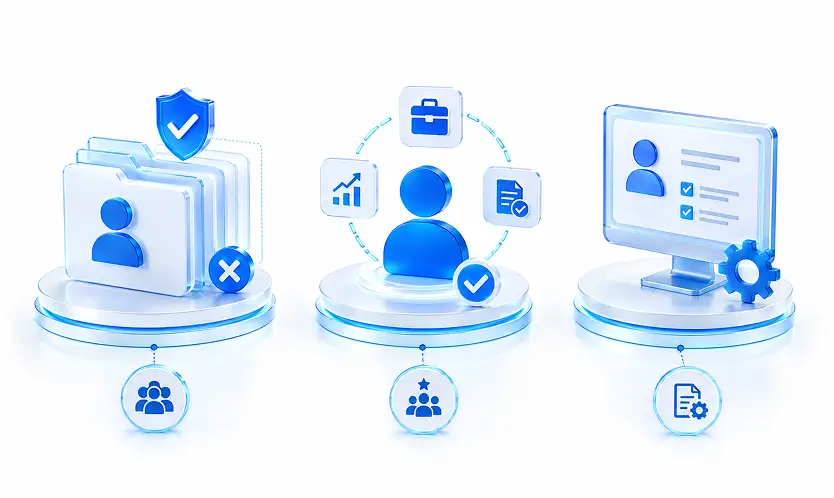
For years, system administrators responded to dynamic access requests by cloning existing profiles. If a sales rep needed access to a single custom billing object, a new profile was created. Over time, orgs accumulated dozens, sometimes hundreds, of custom profiles with minor variations that were virtually impossible to audit.
Elimination of Profile Sprawl
By treating profiles strictly as baseline shells, we eliminate the need to create custom profiles for edge-case requests. Instead of managing 40 custom sales profiles, an org can operate cleanly with a single baseline profile (such as Minimum Access - Salesforce) paired with reusable permission sets.Role-Based Grouping with Permission Set Groups
Rather than assigning 15 individual permission sets to a single user, we can bundle permission sets into Permission Set Groups. A "Senior Account Executive" group might combine a Base Sales set, an Advanced Quota set, and a Contract Approval set. When job responsibilities change, updating the group automatically adjusts access for every assigned user instantly.Automated Assignment via User Access Policies
With modern tooling like User Access Policies, we can automate entitlement assignments based on user attribute criteria (e.g., Department, Role, or Title). When a new employee is onboarded, Salesforce evaluates their user fields and applies the correct Permission Set Groups automatically without manual admin intervention.A 4-Step Roadmap for Modernizing Your Security Model
Transitioning your org to a permission-set-led architecture does not require an emergency overhaul. Because Salesforce maintains profile functionality for baseline settings, you can migrate at a controlled pace.
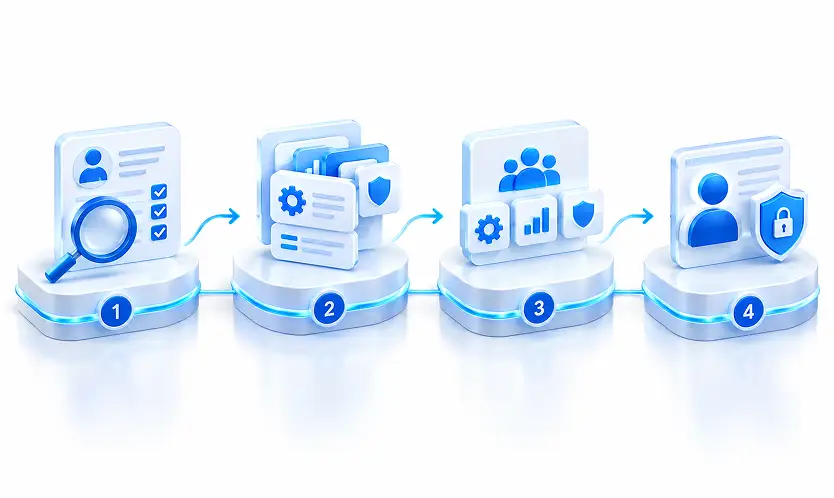
Conduct a Permission Audit
Review your existing profiles to identify redundant access grants, orphaned custom profiles, and single-user profiles. Identify the core capabilities that are actually used across departments.Create Task-Focused Permission Sets
Design permission sets around business capabilities rather than job titles. For example, create a "Manage Invoices" set or a "View Analytics Dashboards" set that can be assigned across multiple departments.Compose Permission Set Groups
Combine functional permission sets into Permission Set Groups tailored to operational job functions (e.g., Tier 1 Support Agent, Regional Sales Director).Reduce Profiles to Minimum Access Baselines
As capability grants transition into permission sets, strip excess object and field permissions out of your profiles. Reassign users to lean profiles focused purely on baseline user settings.Key Takeaways
- Profiles set the baseline: Use profiles exclusively for default user settings like login hours, IP ranges, and record type defaults.
- Permission sets grant access: Move all object CRUD, field-level security, system capabilities, and app permissions into stackable sets.
- Leverage Permission Set Groups: Combine granular permission sets into role-based groups to simplify assignment management.
- Automate assignments: Use User Access Policies to grant permission set groups automatically based on user attributes.
- Migrate at your own pace: Build all new capabilities using permission sets while systematically stripping technical debt out of legacy profiles.
Conclusion: Building a Flexible, Future-Proof Security Architecture
When we evaluate permission sets vs. profiles, the takeaway is clear: shifting away from monolithic profiles isn't an administrative burden, it is the key to unlocking scalable, transparent user management. By adopting a permission-set-led model, we eliminate profile sprawl, uphold least-privilege security, and empower our organizations to adapt instantly as business roles evolve.
Ready to simplify your org's access controls and audit your security architecture? Contact our platform strategy team today to evaluate your user management model and build a streamlined migration roadmap.