






ServiceNow Health Check: 10 Signs Your Instance Needs One
A ServiceNow instance rarely breaks overnight. Instead, performance degrades gradually through custom scripting, unmonitored update sets, and architectural technical debt. Running regular platform health diagnostics ensures your instance remains scalable, secure, and upgrade-safe.
If your platform displays any of the following 10 warning signs, it is time to perform a comprehensive ServiceNow Health Check.10 Critical Indicators of Instance Degradation
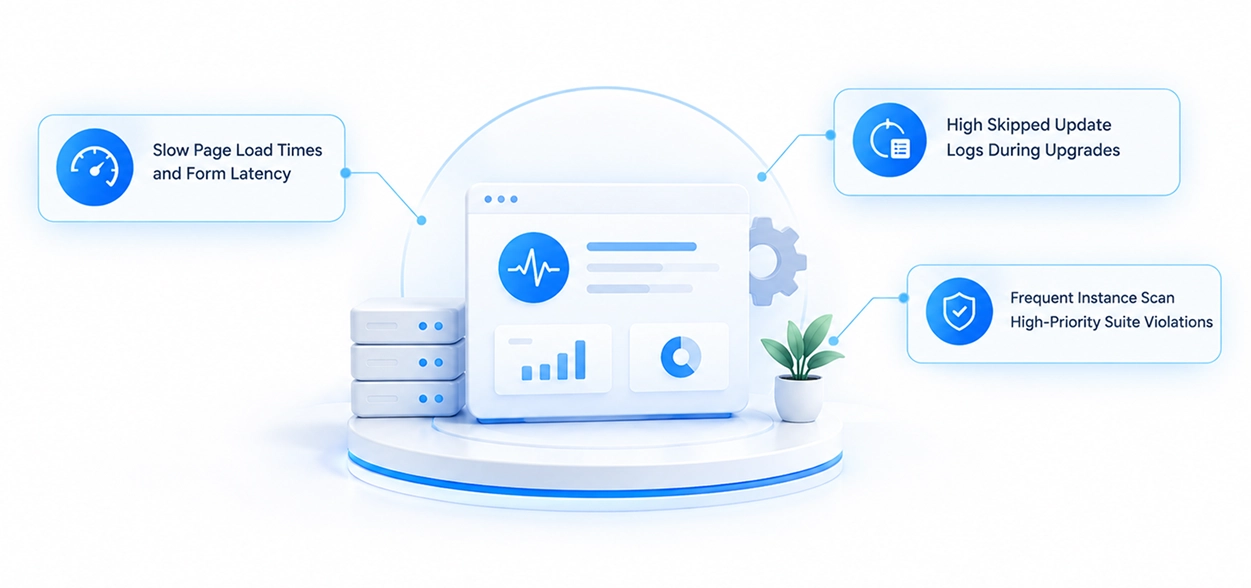
- Slow Page Load Times and Form Latency: Forms take more than a few seconds to load due to synchronous Client Scripts, excessive g_form queries, or unoptimized Business Rules.
- High Skipped Update Logs During Upgrades: Overwhelming skipped update logs after family releases indicate heavy customization that strays from out-of-the-box architecture.
- Frequent Instance Scan High-Priority Suite Violations: Running built-in Instance Scan checks triggers critical health flags around security, performance, and maintainability.
- Stale or Inaccurate CMDB Data: Configuration items contain missing relationships, duplicate records, or unverified discovery data, undermining automated workflows.
- Slow-Running Reports and Scheduled Jobs: Database queries timeout or cause transaction quotas to kill active user sessions during peak business hours.
- Unused or Orphaned Customizations: Unused custom tables, legacy workflows, and abandoned fields accumulate over time, adding unnecessary platform bloat.
- Failed or Fragile Integration Hub Spokes: External REST API calls consistently time out, drop payloads, or lack proper OAuth credential governance.
- Excessive License Usage and Inactive Accounts: Unused subscription roles or inactive user profiles remain provisioned, driving up licensing costs needlessly.
- Security and Access Control List (ACL) Misconfigurations: Custom endpoints or ACLs leave sensitive instance data vulnerable due to missing authentication checks.
- Low User Adoption and Portal Complaints: Fulfilling tasks takes too many clicks, driving employees away from the Service Portal and back to manual email requests.
How TopTech Restores Platform Health
Addressing platform technical debt requires deep technical expertise, automated diagnostic tools, and structured remediation frameworks.
The certified architects at TopTech deliver comprehensive instance health assessments, technical debt remediation, and upgrade optimization. By auditing your custom codebase, evaluating CMDB health, and executing Instance Scan suites, TopTech identifies hidden operational bottlenecks before they impact business productivity.Partner with TopTech to clean up legacy customizations, secure your integration architecture, and ensure your ServiceNow environment operates at peak performance.