








Slack and Salesforce: How Digital HQ Architecture Redefines Enterprise Productivity
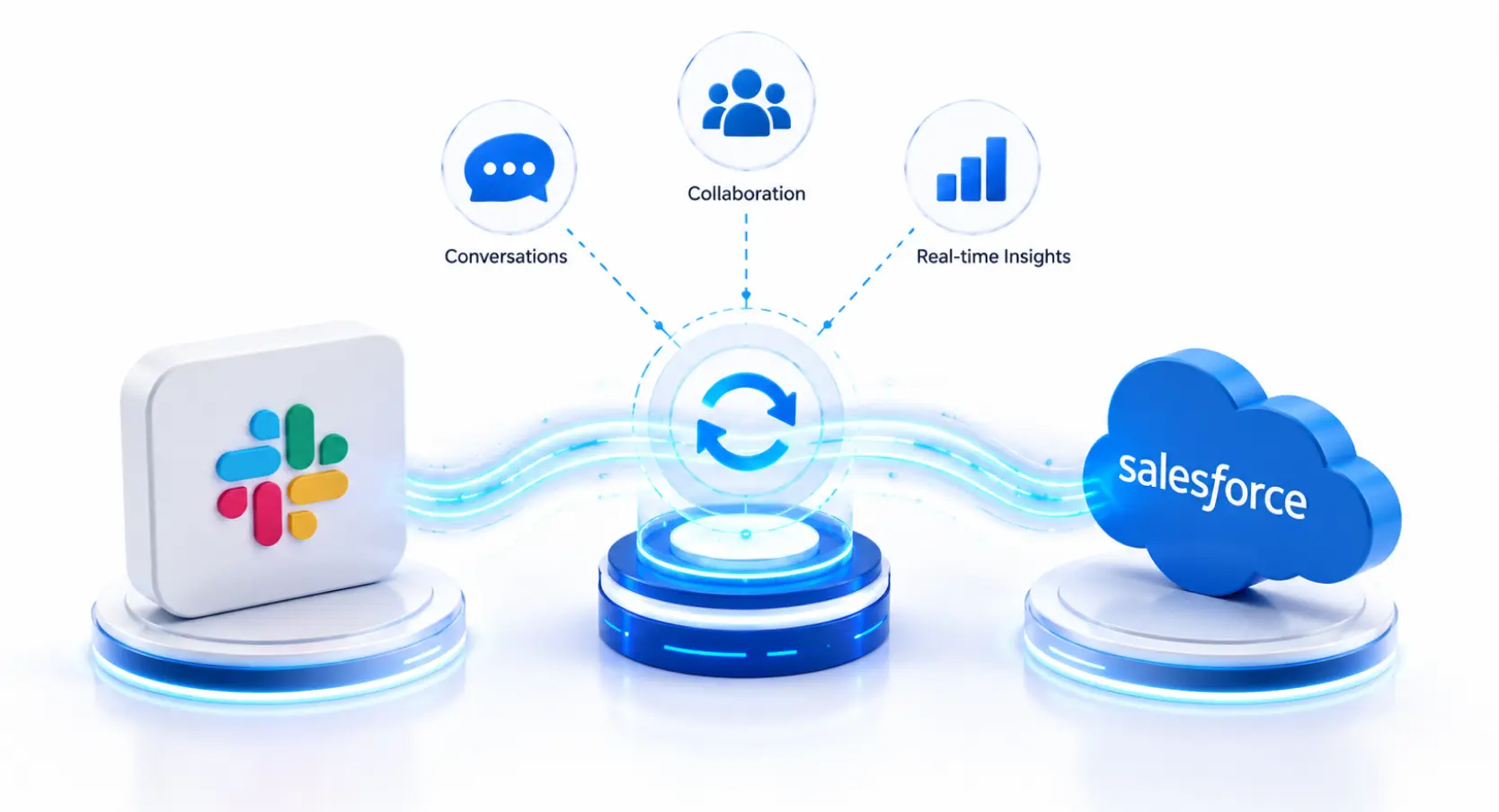
When enterprise sales cycles stall, the culprit is rarely a lack of motivation; it is almost always context switching. Sales representatives and account teams waste hours daily toggling between CRM databases, email threads, and messaging apps to close deals and update records. At TopTech, we see the deep integration of Slack and Salesforce as the single most effective way to eliminate this operational friction, creating a unified "Digital HQ" where data moves as fast as conversation.
Why Slack and Salesforce Belong in the Same Ecosystem
For years, customer relationship management (CRM) systems operated as static repositories of record. Teams logged in to record data, update stages, and pull reports, but actual collaboration happened elsewhere in separate chat applications, video calls, or long email chains.
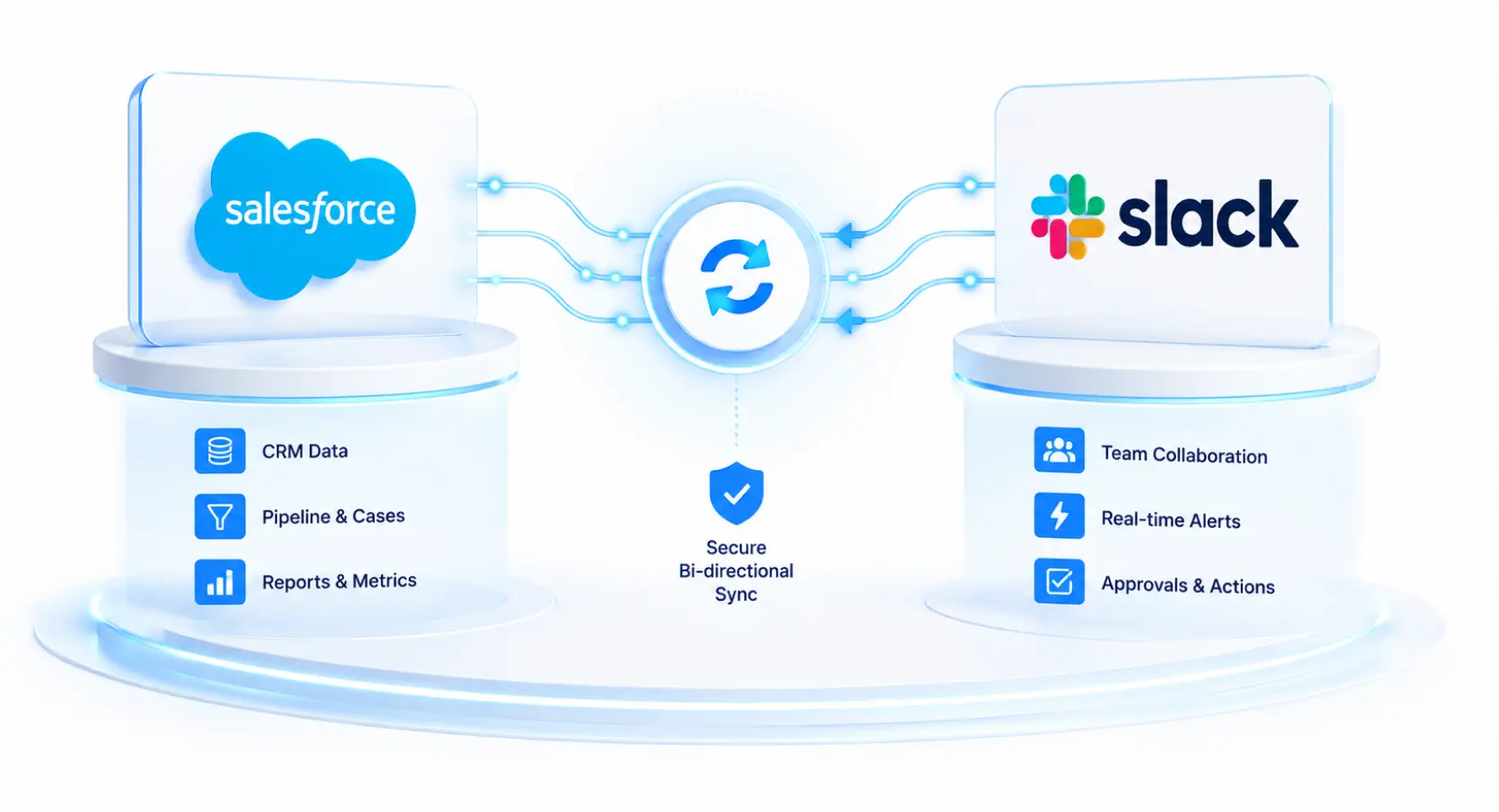
Combining Slack and Salesforce bridges the historical divide between where work gets discussed and where customer data lives. Rather than treating CRM data as an isolated database, this integration embeds real-time customer intelligence directly into the channels where revenue, service, and technical teams communicate every day.Architecture Overview
- Salesforce CRM (System of Record): Holds customer data, pipeline stages, case history, and closed-won metrics.
- Real-time Bi-directional Sync: Governs field-level security and triggers event notifications between platforms.
- Slack Digital HQ (System of Engagement): Houses deal swarms, instant case escalations, and interactive approval windows.
The Core Strategic Benefits of a Unified CRM and Messaging Stack
Bringing your communication layer into your CRM isn't just a minor technical upgrade; it directly impacts key business metrics across revenue and operational efficiency.
1. Eliminating the "App-Switching" Tax
The average enterprise employee switches between apps over 1,000 times a day, leading to cognitive fatigue and fragmented focus (Harvard Business Review, 2021). By surfacing Salesforce records natively inside Slack, team members can view, update, and approve pipeline items without ever opening a separate browser tab.2. Deal Swarming to Accelerate Pipeline Velocity
When a high-value opportunity hits a critical stage, getting executive approvals, legal reviews, or technical scoping done via email slows down momentum. Slack sales swarming enables automated channel creation linked directly to a Salesforce Opportunity:- Automatic Invites: Relevant cross-functional experts are added instantly based on deal size or product mix.
- Live Context: The latest record data is pinned directly to the channel header.
- Faster Decisions: Blockers are resolved in hours instead of weeks.
3. Real-Time Service Escalation & Incident Management
Customer support cannot wait on batch updates. When a high-severity case is logged in Salesforce Service Cloud, an automated notification fires to a dedicated Slack channel. Support engineers, product managers, and account executives can immediately collaborate to resolve the issue, logging resolution steps back into Salesforce automatically.Key Functional Capabilities: Moving Beyond Simple Notifications
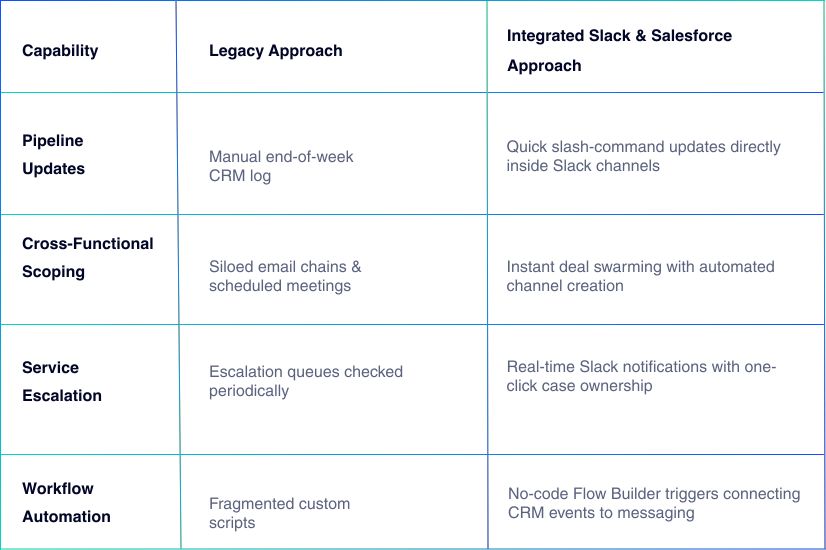
While basic alerts are helpful, enterprise-grade deployment relies on deeper interactive capabilities built on modern API frameworks.
Interactive Canvas & Headless Integrations
Modern enterprise architectures increasingly rely on decoupled, flexible user interfaces. By utilizing headless architecture concepts, organizations can surface custom Salesforce components directly inside Slack Canvas documents or interactive modal windows.Blueprint: 4 Steps to Deploy Slack and Salesforce Efficiently
To maximize return on investment, deployment must focus on user adoption rather than just technical connectivity.
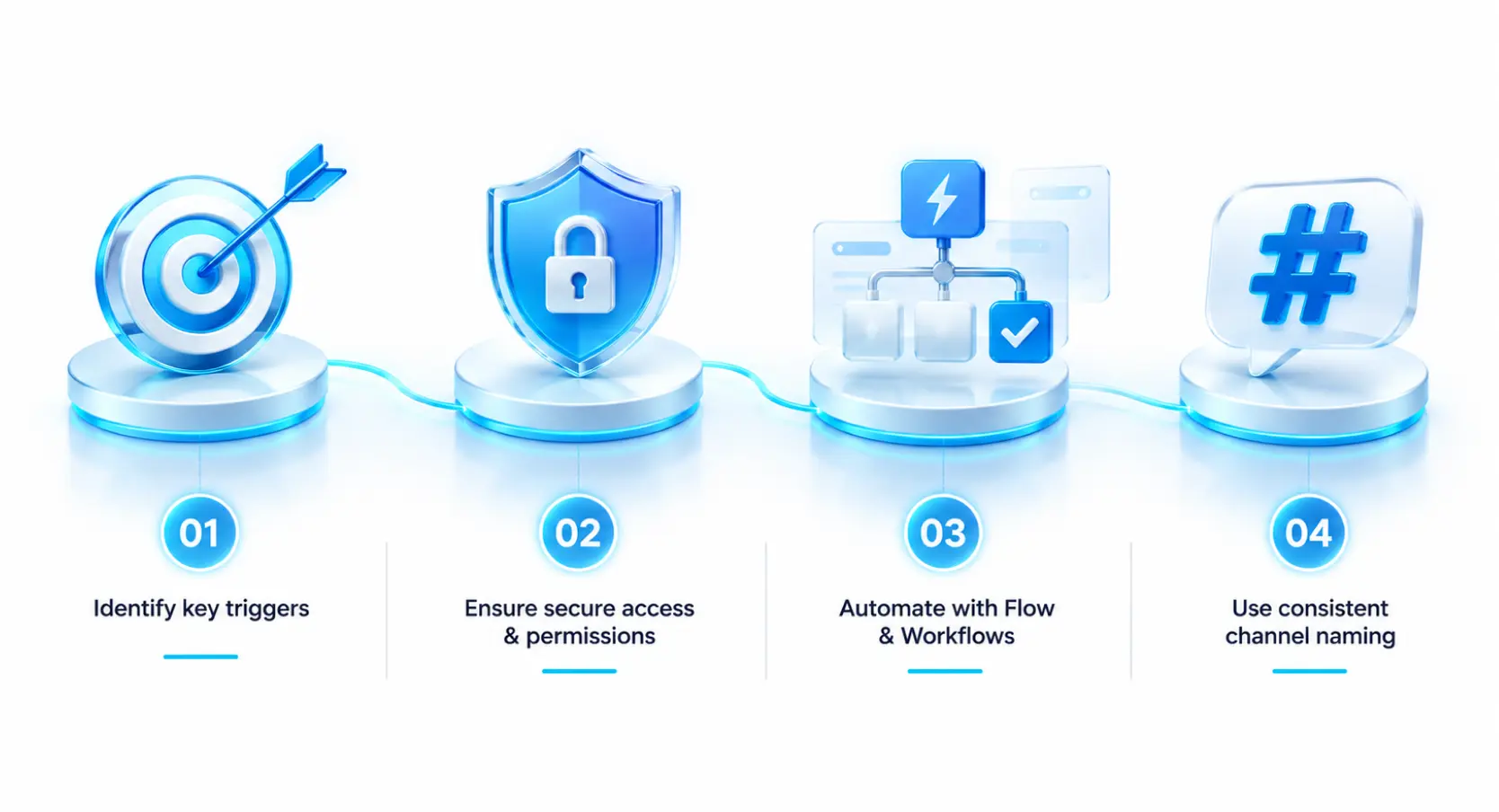
- Define High-Value Use Cases & Triggers: Identify 3 to 5 critical triggers where instant action drives revenue or protects customer satisfaction—such as new enterprise leads, deal stage changes above a specific threshold, or critical customer support tickets.
- Configure Governance & Permission Sets: Ensure that record access within Slack strictly reflects Salesforce profile permissions. If a user cannot view a field inside Salesforce, they should not see it within a Slack message or unfurled link.
- Leverage Salesforce Flow & Slack Workflow Builder: Connect business logic seamlessly without custom code. Using Salesforce Flow Builder alongside Slack Workflow Builder allows administrators to configure automated messages, interactive buttons, and record-creation forms in minutes.
- Standardize Channel Conventions: Create a consistent naming structure for automatically generated channels (e.g., #deal-acme-corp or #case-10492). This prevents channel proliferation and makes historical context easy to search for future account teams.
Overcoming Common Adoption Challenges
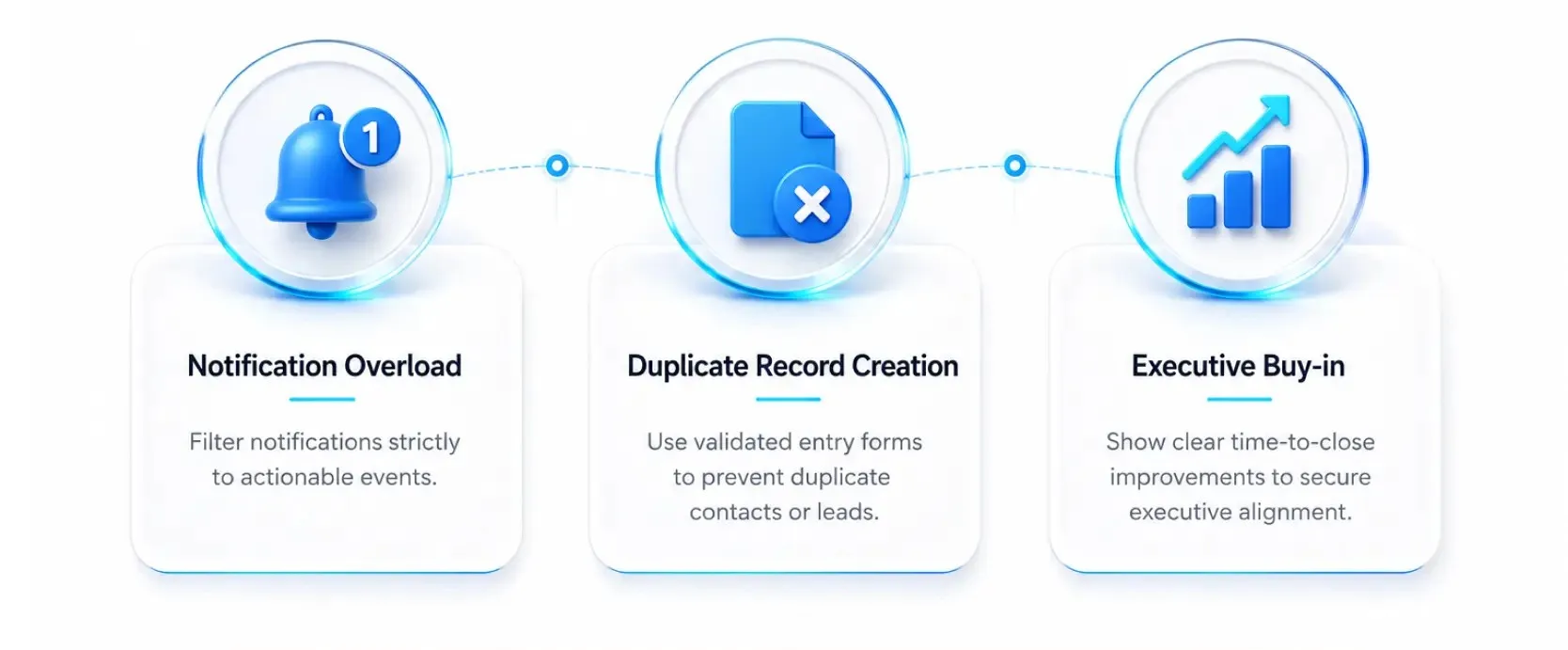
- Notification Overload: If teams receive alerts for every single field edit, they will mute channels. Filter notifications strictly to actionable events.
- Duplicate Record Creation: Ensure entry forms embedded in Slack require standard validation fields to prevent duplicate contacts or leads from entering your CRM.
- Executive Buy-in: Demonstrate clear time-to-close reductions during pilot phases to secure executive alignment across sales, marketing, and operations.
What Should Be the Takeaway?
- Unified Digital HQ: Integrating Slack and Salesforce bridges the gap between active team communication and static CRM data repositories.
- Reduced Friction: Eliminates app-switching, giving teams back hours weekly by allowing record updates directly within chat interfaces.
- Accelerated Velocity: Cross-functional deal swarming and automated escalation channels significantly cut contract review and incident response times.
- Governance First: Successful implementations rely on mirroring Salesforce permission sets inside Slack to maintain data security and avoid notification fatigue.
Transform Your Operations with TopTech
At TopTech, we help enterprise organizations eliminate technical silos and build modern, scalable architectures. Whether you are expanding your Salesforce ecosystem or modernizing team workflows, our strategic architects ensure your systems work as a unified revenue engine.
Ready to optimize your integration strategy? Contact our solutions team today to schedule an enterprise workflow audit.